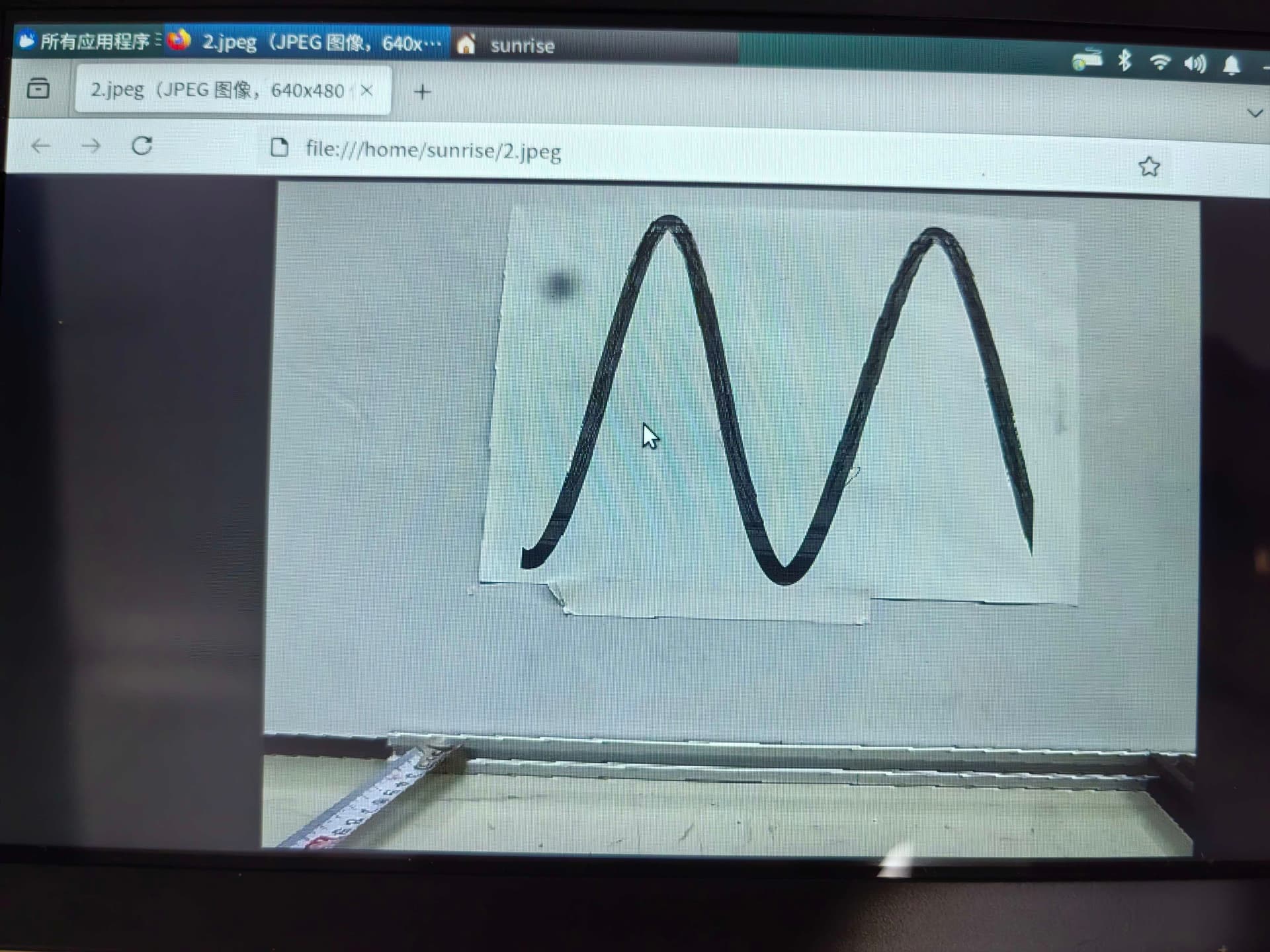
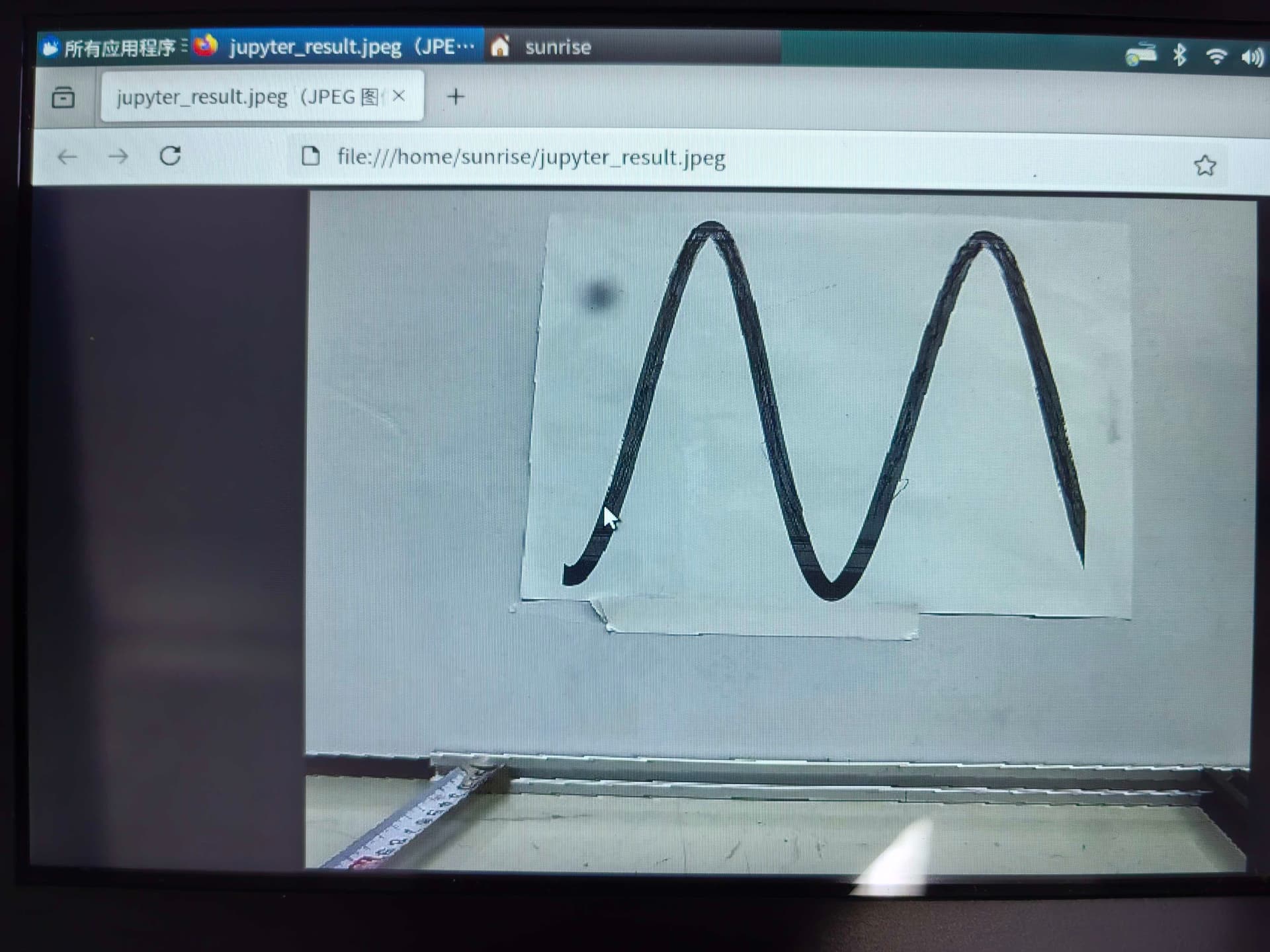
你好,严格按照RDK Model Zoo仓库最新的commit的README来操作即可,README中也有hrt_model_exec model_info --model_file 命令查看bin模型的输入输出信息。
YOLO11的README是严格闭环的,你的bin模型生成的并不正确,请再仔细对比。
超哥,能不能详细说一下,我现在是在sdk100上面量化然后跑yolo11,得到的识别效果也很差。是不是量化就错了? ```这是我现在的yaml文件
Copyright (c) 2020 Horizon Robotics.All Rights Reserved.
The material in this file is confidential and contains trade secrets
of Horizon Robotics Inc. This is proprietary information owned by
Horizon Robotics Inc. No part of this work may be disclosed,
reproduced, copied, transmitted, or used in any way for any purpose,
without the express written permission of Horizon Robotics Inc.
Model conversion related parameters
model_parameters:
The model file of floating-point ONNX neural network data
onnx_model: ‘/workspace/yolo11x_shanghai_0708.onnx’
BPU architecture, with range: nash-e/nash-m
march: “nash-e”
Specify the directory to store the model conversion output
working_dir: ‘model_output’
Specify the name prefix for output model
output_model_file_prefix: ‘yolov11_final’
remove_node_type: “Dequantize”
Model input related parameters
For multiple input nodes, use ‘;’ to separate them, for default setting, set None
input_parameters:
Specify the input node name of the original floating-point model,
consistent with its name in the model, not specified will be obtained from the model
input_name: “”
Specify the input data of the on-board model, with range: nv12/rgb/bgr/yuv444/gray/featuremap
input_type_rt: ‘nv12’
Specify the input data type of the original floating-point model, with range: rgb/bgr/gray/yuv444/featuremap
The number/order specified need to be the same as in input_name
input_type_train: ‘rgb’
Specify the input data layout of the original floating-point model, with range: NHWC/NCHW
The number/order specified need to be the same as in input_name
input_layout_train: ‘NCHW’
Specify the input shape of the original floating-point model, e.g. 1x3x224x224;1x2x224x224
input_shape: ‘’
Specify the batch of the on-board model
Only supported for single-input model and the input’s first dimension is 1.
#input_batch: 1
Specify the model input preprocessing method, with range: no_preprocess/data_mean_and_scale/data_mean/data_scale
norm_type: ‘data_scale’
Specify the mean value to be subtracted by the preprocessing input image
For channel mean values, use space or ‘;’ for separation
mean_value: ‘’
Specify the scale factor of the preprocessing input image
For channel scale, use space or ‘;’ for separation
scale_value: 0.003921568627451
Calibration related parameters
calibration_parameters:
Specify the directory to store the calibration data, support Jpeg, Bmp etc, which should cover the typical scenarios
For multiple inputs, need to set multiple directories, and use ‘;’ for separation
cal_data_dir: ‘/workspace/preprocessed_calibration_data’
Specify the type of algorithm used for calibration, with range: default/mix/kl/max/load
Select skip for only performance verification, select load when using the QAT exported model
Usually default is enough to meet the requirements, if not, try in the order of mix, kl/max
calibration_type: ‘kl’
Compilation related parameters
compiler_parameters:
Specify the model compilation optimization level
O0 means no optimization, O1-O3 means more optimization as the level increases, but higher compilation time
optimize_level: ‘O2’